Browser-based subtitle editor
Automatic subtitles, made in your browser
Add word-timed captions to short videos, style them to match the platform, translate them, and export a subtitle file or a finished video — without sending your video anywhere.
XCaptions adds word-timed subtitles to videos right in your browser. Longer clips are automatically shortened to the first 10 minutes, and you can choose another part of the original. Generate captions, edit the text, choose a style, translate into Urdu, Hindi or Arabic, and download SRT, VTT, plain text or a captioned video. Your video is never uploaded.
How do I create subtitles in three steps?
Load your video
Longer videos are automatically shortened to the first 10 minutes. You can choose another part of the original. Preparation happens on your device.
Generate subtitles
XCaptions extracts the audio, sends only that audio for speech recognition, and returns word-timed captions.
Edit, style and export
Fix the text, pick a caption style and aspect ratio, translate if you like, then export SRT, VTT, TXT, audio or a captioned video.
Full details are on the how it works page.
What can I do in the editor?
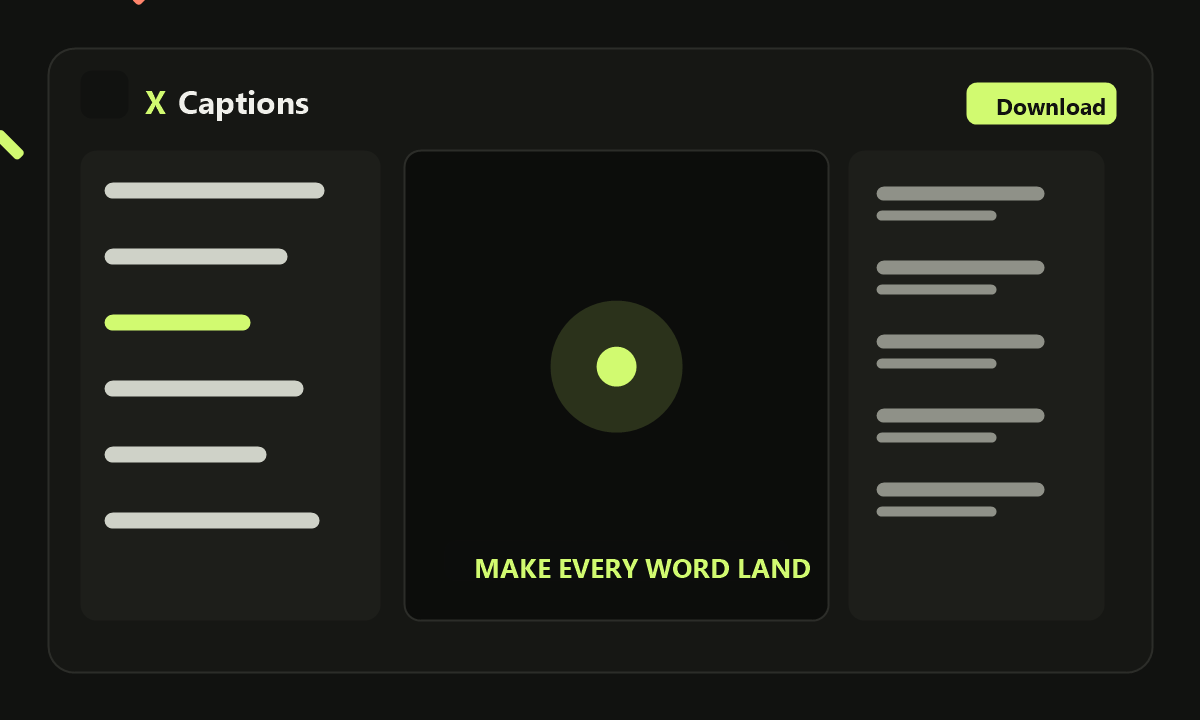
- Word-timed captions you can edit, split, merge and retime line by line.
- Caption styles including right-to-left styles for Urdu and a Devanagari style for Hindi.
- Reframing to 9:16, 1:1, 4:5, 16:9 or the original ratio, with blur or colour fill and a crop focus.
- Trimming to pick the exact start and end, and to apply the trim to your exports.
- Translation to English, Urdu, Roman Urdu, Hindi, Roman Hindi or Arabic.
- Exports as SRT, TXT, VTT, audio, or a captioned video at 480p, 720p, 1080p or original.
- Local auto-save that keeps up to three projects inside your browser.
Is XCaptions private?
Yes, and it is built that way on purpose. Your video is read locally and is never uploaded. Only the extracted audio is sent when you ask for transcription, and only caption text is sent when you translate. Nothing is stored on the server, and projects live in your browser's storage on your own device. Read the privacy page for the details.
Common questions
Is my video uploaded?
No. The video stays on your device. Only extracted audio is sent for transcription, and caption text only when you translate.
Is it free and account-free?
Yes. It is free and needs no account or login. Free provider quotas may apply to transcription and translation.
Which languages can I get?
Speech is detected automatically, and you can translate captions into English, Urdu, Roman Urdu, Hindi, Roman Hindi or Arabic.
Try it with a video
Open the editor, load your video and export subtitles for the selected part.